We’ve been working on a new browser-based version of our recording software, and it’s finally ready for early testing! Here is everything you need to know to dive in.
What it is
A web app that runs directly in Chrome or Edge, no installation required. It is fully compatible with Windows, macOS, and Chromebooks.
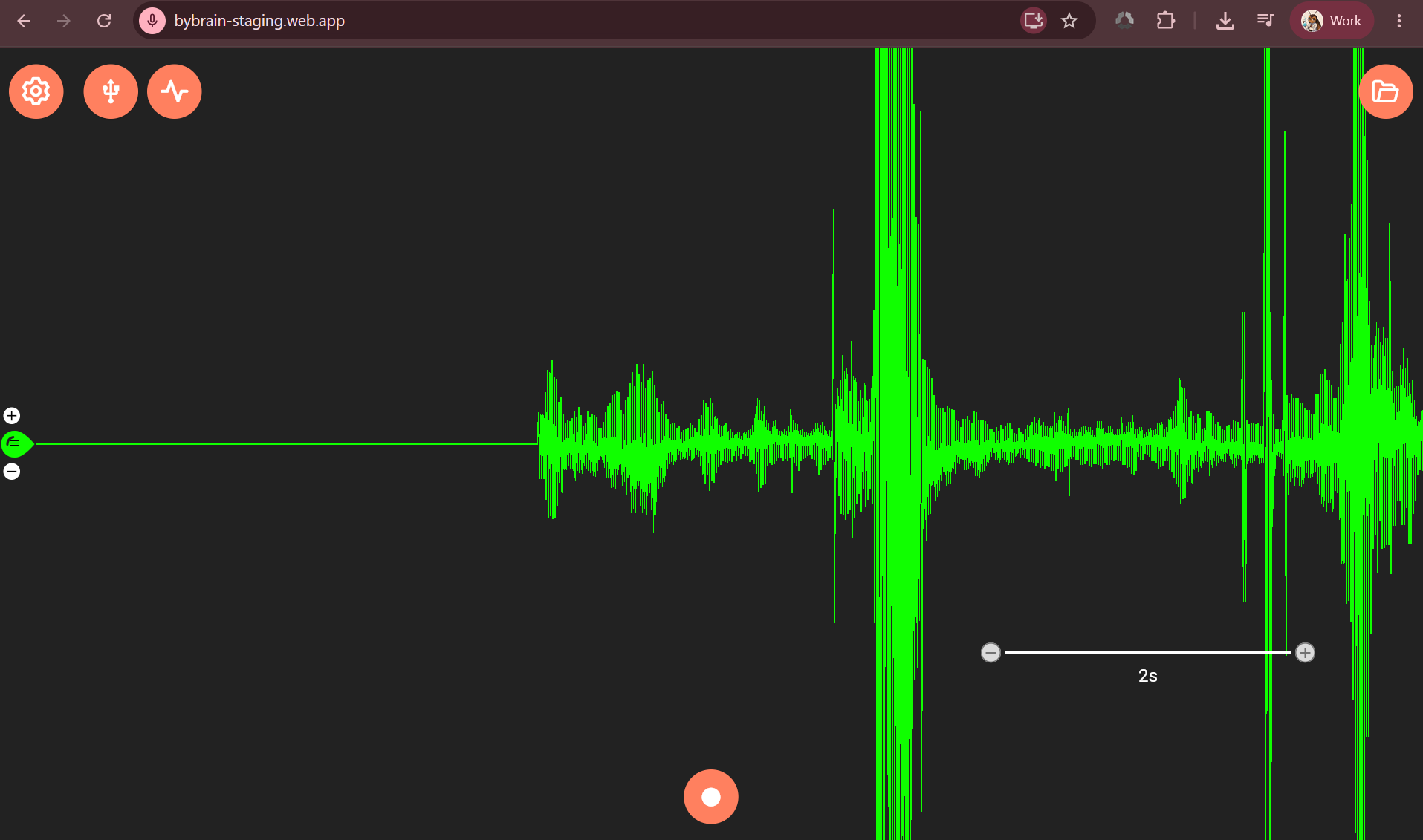
 Test the app here: https://bybrain-staging.web.app/
How to get started
- Grant Permissions: Open the app and allow microphone access when prompted.
- Connect Device: Plug your device into your laptop via USB and power it on.
- Pairing: Click the USB button, select the correct COM port for your device, and click pair. Note: Pairing can take up to 15 seconds in this current beta build.
- Signal Optimization: Once paired, the USB button will turn yellow and you’ll see a signal on screen. For the cleanest signal possible, unplug your laptop charger and turn off Bluetooth.
- Filters: Open the configuration menu (top-left icon) to set your signal filters and notch filter (60 Hz for the US, 50 Hz for most other regions).
- Go: Close the config menu and start your experiment!
File format
- Savings: Recordings are automatically saved in the .nwb format.
- Legacy Support: If you have older .wav files, you can still open them directly in the app for playback.
What’s not in yet
A few features are still actively in progress and will be added in the coming weeks:
- FFT display function
- RMS value readout
- Event markers in playback mode (Markers work perfectly in recording mode right now, but they won’t show up during playback just yet).
Why we’re building this
Windows 11 update cycles have been causing ongoing compatibility issues, and we wanted Chromebook users to finally have a fully supported option.
Additionally, we know that many educational facilities block users from installing third-party software on school devices. A browser-based app completely bypasses this restriction, making it easier than ever to deploy in classrooms.
Looking for a desktop app? For those who prefer a traditional setup, we are also concurrently building a brand-new, native desktop application for both Windows and macOS (separate from this web version).
This project is actively in development, so things will change fast. If you run into bugs, experience unexpected behavior, or have feature suggestions, please share them with us.
You can send all of your comments, feedback, and conclusions directly to our team at [email protected]. Every report helps us prioritize what to fix first.
Thanks for testing!